
USB Fingerprint Scanners in Kenya: The Complete Guide to SHA, SecuGen and DigitalPersona Readers

The Social Health Authority (SHA) now verifies patients by fingerprint instead of one-time passwords, so every SHA-contracted hospital and clinic needs fingerprint scanners at its registration, triage and billing desks. SACCOs and banks verify members by fingerprint before withdrawals. Software developers building registration, KYC and login systems need a reader that works with their code.
In each case, the system is only as good as the fingerprint scanner on the desk. A cheap or wrong reader fails on dry or worn fingers, holds up the queue, or doesn’t work with the software at all. This guide explains how USB fingerprint scanners work, compares the ZKTeco ZK9500, SecuGen Hamster and HID DigitalPersona 4500, and lists what to check before you buy.
How USB Fingerprint Scanners Work
A USB fingerprint scanner is a small reader that plugs into a computer, laptop or tablet. It captures an image of the finger and passes it to software, which turns it into a template and matches it against stored records.
- Optical sensor: a light and camera capture the ridges of the finger. Resolution is usually 500 dpi, the standard for identity systems.
- Capture area: a larger area (such as FAP 20) captures more of the finger, which improves accuracy for registration and identity programmes. A smaller area (FAP 10) suits login and quick verification.
- Fake and latent finger rejection: good readers reject fake fingers made of silicone or gel, and ignore prints left behind on the glass.
- Difficult fingers: dry, wet, scarred or worn fingertips, common among elderly people, farmers and manual workers, are the main cause of failed scans. Better sensors read them first time.
- SDK (software development kit): the reader only works with software that supports it. The SDK is the code library that lets an application talk to the reader. ZKTeco readers use the ZKFinger SDK, SecuGen readers the SecuGen SDK, and DigitalPersona readers the U.are.U SDK.
- Certification: FBI certification (PIV, FIPS 201, FAP 10 or FAP 20) shows a reader meets international image-quality standards, often required for government and banking projects.
The practical rule: choose the reader your software supports first, then the capture area and features your users need.
Common Fingerprint Scanner Problems in Kenya
- Patients and members who can’t be verified. Low-quality readers fail on dry, worn or wet fingers, so elderly patients and manual workers are turned away or sent through manual checks.
- Long queues at registration desks. Every failed scan means another attempt, and queues build at hospital reception and SACCO counters.
- Readers that don’t work with the software. A reader bought without checking the SDK may not be recognised by the SHA, SACCO, POS or HR system.
- Fake fingerprints and fraud. Readers without counterfeit finger rejection can be fooled, which is exactly the fraud biometric verification is meant to stop.
- Dust, spills and heavy use. Busy desks wear out cheap sensors, and scanners without splash or dust resistance fail early.
- No local setup or support. Drivers, SDKs and settings need to be installed correctly on every computer, and facilities without support end up with readers that sit unused.
Engsoft Fingerprint Scanners: What We Supply
ZKTeco ZK9500: the hospital fingerprint scanner for SHA
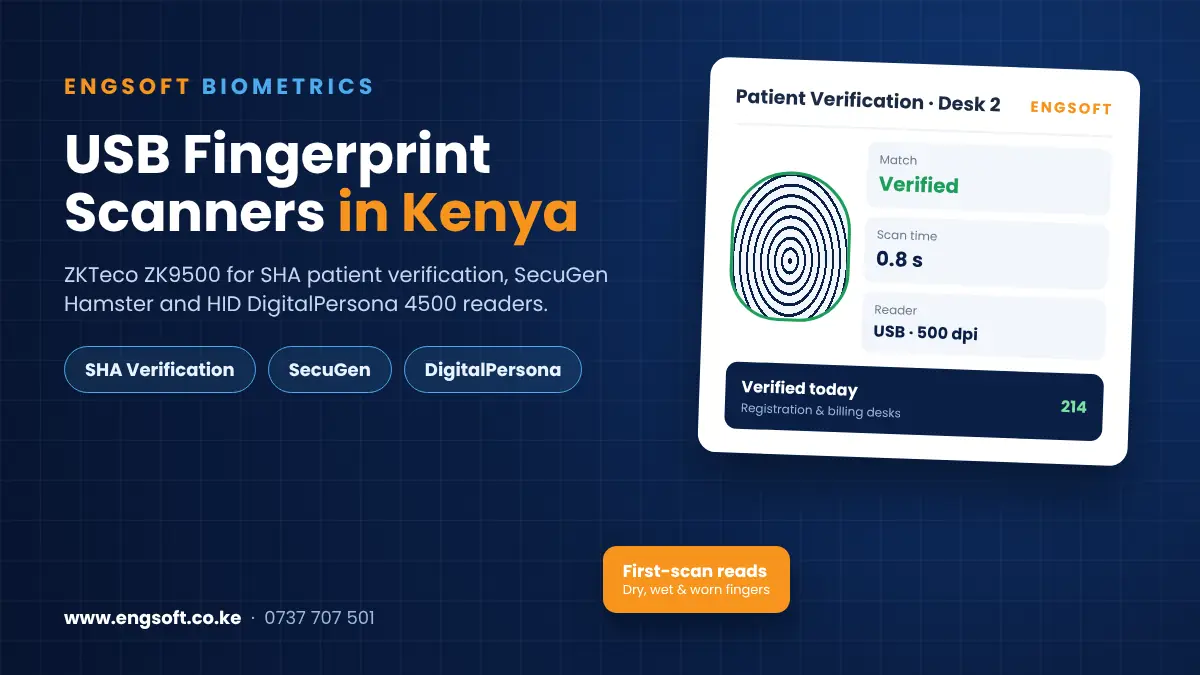
The ZKTeco ZK9500 hospital fingerprint scanner is supplied by Engsoft for SHA and Taifa Care patient registration and verification.
- 500 dpi optical sensor with a 2-megapixel camera, which reads dry, wet or rough fingertips at the first attempt
- Encrypted fingerprint data and anti-spoofing; images are not stored on the device
- Plugs into any desk PC by USB, and also works with Android tablets and phones
- Compact and splash-resistant, built for busy reception, triage, pharmacy and billing desks
- SDK available for custom applications
- Engsoft sets it up on your facility’s computers and trains your staff
SecuGen Hamster fingerprint readers
SecuGen fingerprint readers are FBI certified, slim and rugged:
- Hamster Pro 20: the most popular choice for registration, KYC and identity programmes, with a larger FAP 20 capture area and IP54 dust and water resistance
- Hamster Pro 10: compact, ultra-slim FAP 10 reader for login, verification and desk use
- Hamster Plus: maintenance-free optical reader that copes well with dry, wet or scarred fingers
- Hamster IV: rugged FAP 10 certified reader with automatic finger detection
- Unity20 Bluetooth: wireless capture for field teams, mobile enrolment and tablets
- Hamster Pro Duo CL: fingerprint plus contactless RFID card reading in one device
HID DigitalPersona U.are.U 4500
The HID DigitalPersona 4500 fingerprint reader is a compact USB reader with encrypted fingerprint data, counterfeit and latent print rejection, and support for most U.are.U SDKs. It reads fingers at any angle and suits secure login, member verification and POS cashier sign-in.
ZK9500 vs SecuGen vs DigitalPersona: which should you choose?
- For SHA and Taifa Care patient verification: the ZKTeco ZK9500.
- For registration, KYC and government or banking projects that need FBI certification: the SecuGen Hamster Pro 20.
- For software built on the U.are.U SDK: the DigitalPersona 4500.
- For field enrolment on tablets: the SecuGen Unity20 Bluetooth.
How much does a fingerprint scanner cost in Kenya? The price depends on the model, certification and quantity. Volume pricing is available for hospitals, SACCOs and programmes buying several readers. Call 0737 707 501 for a quote.
Where USB Fingerprint Scanners Are Used
- SHA and Taifa Care verification: patient registration and verification at hospital reception, triage, pharmacy and billing desks.
- Sacco management software: member verification before withdrawals and loans.
- Point of sale: cashier sign-in, so every sale and void is linked to a real person.
- Biometric time and attendance: enrolling staff fingerprints at the desk.
- Schools and exams: student registration and exam-room verification.
- Government, NGO and KYC programmes: enrolling members or beneficiaries on a laptop or tablet in the field.
- Secure login: fingerprint sign-in to Windows and business applications.
For door and gate access, standalone terminals are usually better than USB readers. See our access control guide.
Who Is It For?
- Hospitals, clinics and health centres contracted by SHA, from Level 2 to Level 6
- SACCOs, microfinance institutions and banks verifying members and customers
- Software developers and system integrators building registration, KYC, POS or HR systems
- Government and county programmes and NGOs enrolling citizens, beneficiaries or farmers
- Schools, colleges and exam bodies registering and verifying students
- Retailers and supermarkets using fingerprint sign-in for cashiers
- Offices using fingerprint login for computers and business systems
Checklist: Choosing a USB Fingerprint Scanner in Kenya
- Which software will the reader work with? Check which readers or SDK your SHA, SACCO, POS or HR system supports before you buy.
- Who will be scanned? If many users are elderly or do manual work, choose a reader known to handle dry, worn or wet fingers.
- Does your project need FBI certification? Government, banking and KYC programmes often require FAP 10 or FAP 20 certified readers.
- Do you need fake finger rejection? For payments, health claims and member verification, choose a reader with anti-spoofing.
- Desk, laptop or tablet? Most readers use USB; choose a Bluetooth reader or one that works with Android for field enrolment.
- How busy is the desk? Choose a rugged, splash or dust-resistant reader for reception and counter use.
- How many readers do you need? Count every registration, triage, pharmacy and billing point, and ask about volume pricing.
- Who installs and supports them? Drivers and SDKs must be set up on every computer, so choose a supplier who installs the readers and trains staff.
Why Choose Engsoft for Fingerprint Scanners?
- 10 years of experience in biometric and business systems
- 100+ clients across 8 countries, with 18 systems from one vendor
- Three ranges in one place: ZKTeco ZK9500, SecuGen Hamster and HID DigitalPersona 4500
- ZK9500 set up on your facility’s computers, with staff training, for SHA patient verification
- Readers matched to your software: send us your system’s name and we confirm compatibility
- Volume pricing for hospitals, SACCOs and registration programmes
Frequently Asked Questions
Which fingerprint scanner should hospitals use for SHA?
Engsoft supplies the ZKTeco ZK9500 for SHA and Taifa Care patient verification. It reads dry, wet or rough fingertips quickly, plugs into any desk PC by USB, and Engsoft sets it up and trains your staff.
How much does a fingerprint scanner cost in Kenya?
The price depends on the model, certification and quantity, with volume pricing for hospitals, SACCOs and programmes. Call 0737 707 501 or request a quote.
ZK9500 or DigitalPersona 4500: which is better?
Choose the ZK9500 for SHA patient verification and hard-to-read fingers. Choose the DigitalPersona 4500 when your software is built on the U.are.U SDK.
DigitalPersona or SecuGen: which should I buy?
Choose the DigitalPersona 4500 when your software uses the U.are.U SDK. Choose a SecuGen Hamster reader when your project needs FBI FAP 10 or FAP 20 certified capture, IP54 protection or a Bluetooth reader.
Will a fingerprint reader work with my software?
Only if the software supports that reader’s SDK. Send us your SACCO, POS, HR or registration software name and we will confirm which reader to use.
Can fingerprint scanners detect fake fingers?
Yes. The ZK9500 and DigitalPersona 4500 reject fake fingers, and the DigitalPersona 4500 and SecuGen Hamster Pro readers also ignore prints left behind on the sensor.
Can a USB fingerprint scanner work with a tablet?
The ZK9500 also works with Android tablets and phones, and the SecuGen Unity20 connects by Bluetooth for mobile enrolment.
Which SecuGen reader is best?
For most registration, KYC and identity projects in Kenya, the SecuGen Hamster Pro 20 is the best all-round choice. Choose the Hamster Pro 10 for compact desk use.
Request a Free Fingerprint Scanner Quote
Tell us what software the reader must work with, how many desks you need to equip and who will be scanned. Our team will recommend the right fingerprint scanner and give you a free quote.
ZK9500 for SHA · SecuGen readers · HID DigitalPersona 4500
- Phone / WhatsApp: 0737 707 501
- Email: info@engsoft.co.ke
- Office: Repen Complex, Mombasa Road – Katani Road Junction, Nairobi
- Hours: Mon–Fri 8:00–17:00, Sat 9:00–13:00